What Is a Smart Alarm Clock? A Plain-English Explainer
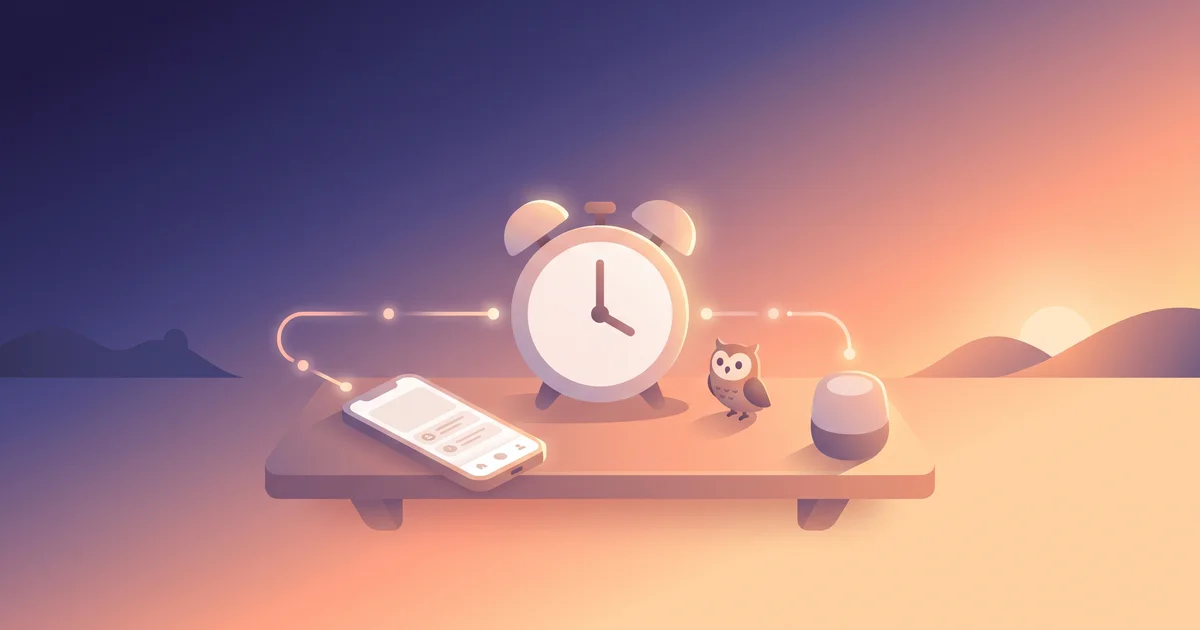
"Smart alarm clock" gets used for a handful of genuinely different products, which makes it a confusing thing to shop for. Some are about when you wake up, some are about how, and some are about what happens in the rest of your room when the alarm goes off. Here's what the term actually covers.
The short answer
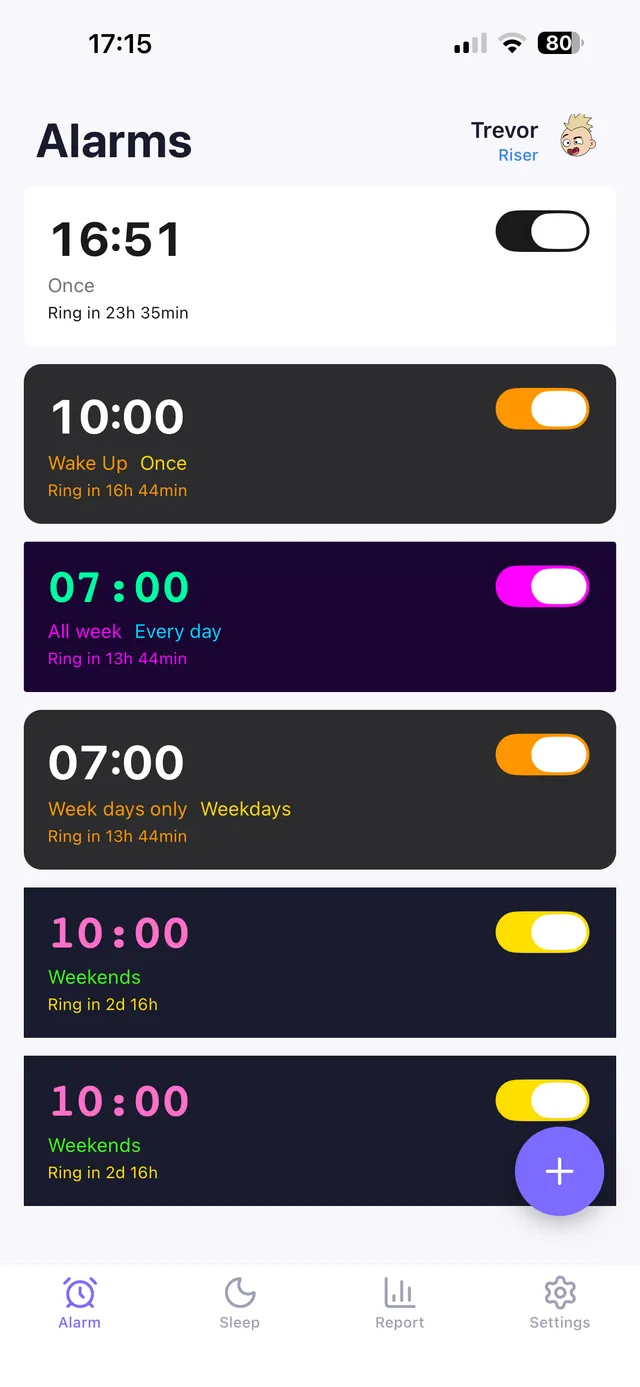
A smart alarm clock is any alarm — standalone device or phone app — that does more than ring at a fixed time. That usually means one or more of: waking you during a lighter sleep phase within a chosen window, connecting to an app for scheduling and stats, integrating with smart-home devices like lights or speakers, or using escalating sound/vibration and mission-based tasks to make sure you actually get up. None of these require the same hardware, so "smart" isn't one feature — it's a category.
The four things "smart" usually means
1. Sleep-cycle-aware wake windows
Instead of ringing at exactly 7:00am, the alarm monitors movement (via a wearable, your phone's accelerometer/microphone, or a bedside sensor) and picks the lightest sleep moment within a window — say, 6:45 to 7:00 — on the theory that waking during light sleep feels less groggy than waking mid deep-sleep. This targets sleep inertia directly. See sleep cycles explained for how sleep stages work, and do sleep trackers work for how accurate this detection actually is.
2. App connectivity and data
Smart alarms often log your sleep, snooze habits, and wake times over time, so you can see patterns rather than guessing. This is separate from the wake mechanism itself — you can have a very "dumb" alarm sound paired with detailed app-based tracking.
3. Smart-home integration
The alarm can trigger other devices: lights fading on, a coffee maker starting, blinds opening. This turns "waking up" into a small automated sequence rather than a single sound. Full breakdown in smart home alarm integration.
4. Escalation and accountability features
The newest and arguably most useful category: alarms that get louder or add vibration if you don't respond, and mission alarms that require you to complete a task — solve a math problem, photograph a specific spot like the bathroom mirror, type a phrase, scan a QR code, or shake your phone — before they'll stop. This is "smart" in the sense of adapting to the fact that a snoozed alarm means it didn't work. See math alarm app and how to stop hitting snooze.
Smart alarm vs basic alarm
| Basic alarm | Smart alarm | |
|---|---|---|
| Wake time | Fixed | Fixed, or a window with sleep-cycle detection |
| Data | None | Sleep/wake history, sometimes sleep stage estimates |
| Escalation | Usually single volume | Often gradual/escalating |
| Snooze handling | Basic repeat | Sometimes limited or task-gated |
| Smart-home hooks | No | Often yes |
| Setup effort | Minimal | Some (permissions, sensors, integrations) |
OwlRoutine helps you wind down at night and actually get up in the morning — with a guided wind-down, dismiss missions, and sleep scores. Available on iPhone and Android.


Is a smart alarm actually better?
It depends which "smart" feature you need.
- If grogginess on wake is your problem, sleep-cycle-aware timing can genuinely help, though the accuracy of phone-based sleep detection has real limits — see do sleep trackers work.
- If oversleeping or snoozing is your problem, sleep-cycle timing won't fix it — you need the escalation/mission category instead, which is a different feature entirely. This is a common mismatch: people buy a "smart" alarm expecting it to solve snoozing, and it doesn't, because it was solving grogginess.
- If your smart home is already set up, integration features add real convenience with almost no downside.
- If you just want data, most default phone alarms don't provide any — a dedicated app will.
On iPhone: AlarmKit changed things
iOS 26 introduced AlarmKit, a system framework that lets third-party apps build reliable alarms that behave like Apple's native Clock app — meaning they can ring at full volume and bypass Focus/Do Not Disturb settings the way only the built-in app used to. This matters because it's what makes "smart" third-party alarm apps trustworthy on iPhone in a way they weren't before. Full details in AlarmKit and iOS 26 alarm apps.
Do you need one?
If you consistently wake up on your own before your alarm, you may not need anything beyond a basic clock. If you're constantly groggy, snoozing repeatedly, or genuinely sleeping through alarms, matching the right "smart" feature to your actual problem — timing vs escalation vs accountability — matters more than buying the most feature-packed device you can find. See why do I sleep through my alarm to diagnose which category you're in.
The bottom line
"Smart alarm clock" isn't one feature — it's shorthand for several different upgrades over a basic alarm: sleep-cycle timing, app data, smart-home hooks, and escalation/mission features. The right one depends on whether your problem is grogginess, missing data, home automation, or actually getting out of bed. Most people chasing the last of those need escalation and task-based features, not sleep-cycle timing alone.
OwlRoutine leans into the accountability side of "smart": a mission alarm that won't stop until you've completed a real task, paired with a guided evening wind-down so the whole cycle — falling asleep and waking up — is designed to work together.
Frequently asked questions
What makes an alarm clock 'smart'?
Any of: sleep-cycle-aware wake timing, app-based data and scheduling, smart-home integration, or escalation and task-based features that make sure you actually wake up. It's a category, not a single feature.
Do smart alarms stop you from oversleeping?
Only some do. Sleep-cycle timing targets grogginess, not oversleeping. For oversleeping or snoozing, you need escalation and mission-based features specifically.
Are smart alarm clocks accurate at detecting sleep stages?
Phone- and wearable-based sleep tracking is a reasonable estimate, not a clinical measurement, so treat the sleep-cycle wake window as a helpful approximation rather than an exact science.
Does a smart alarm need a smart home setup?
No. Smart-home integration is one optional feature among several. You can use sleep-cycle timing or mission alarms with no smart-home devices at all.
Wake up for real. Wind down for good.
OwlRoutine is a sleep-cycle alarm that makes mornings actually stick — with a guided wind-down, dismiss missions, sleep scores and rewards. Available on iPhone and Android.