Smart Home Alarm Integration: Using Alexa, Google Home, and Routines to Wake Up Better
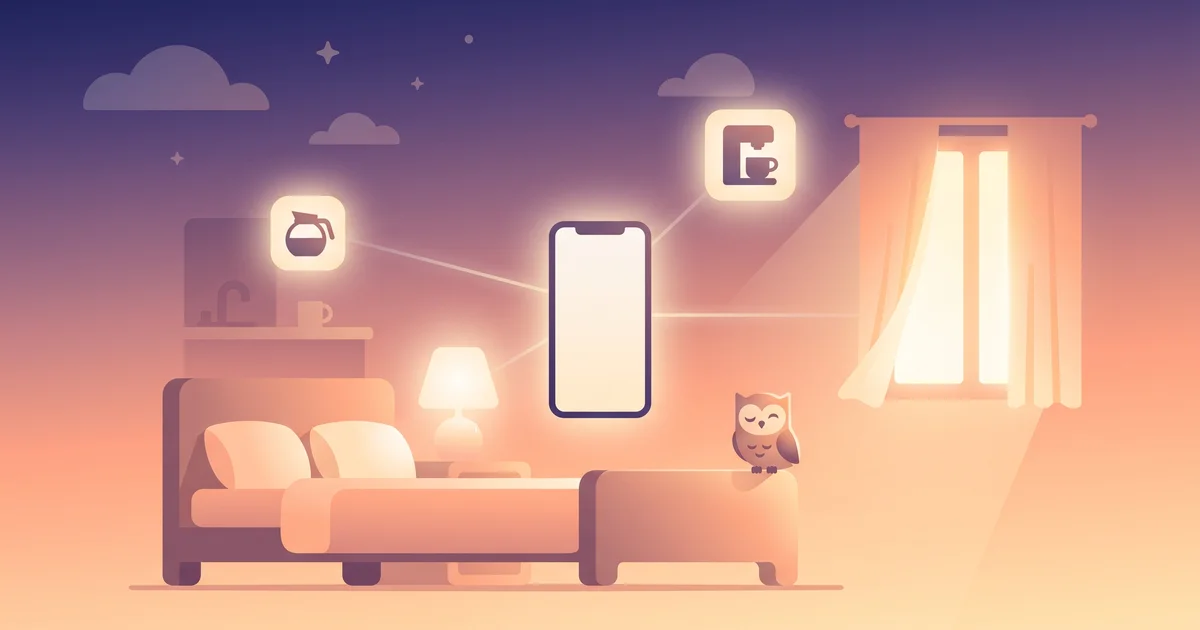
If you already have smart bulbs, a smart speaker, or a connected coffee maker, waking up doesn't have to be a single sound — it can be a small, automated sequence. Smart home alarm integration turns your morning into a chain of events: lights fading on, a speaker announcing the weather, curtains opening, coffee starting. It's genuinely satisfying when it works, and it has real limits worth knowing before you build your whole morning around it.
The short answer
Smart home alarm integration means connecting your wake time to other devices — lights, speakers, plugs, coffee makers, blinds — through a routine in Alexa, Google Home, or a similar hub, so several things happen automatically around your alarm instead of just one sound going off. It's excellent for ambiance and easing into the morning, but most smart home routines still can't confirm you're actually awake and out of bed — that part usually needs to stay with your phone alarm.
How it works
Most smart home platforms (Amazon Alexa, Google Home, Apple Home, Samsung SmartThings) let you build a "routine" triggered by a time or an alarm event:
- Trigger: a set time, or "when my alarm goes off."
- Actions: any combination of connected devices — lights turning on and brightening gradually, a speaker playing music or reading the news/weather, a smart plug starting a coffee maker, smart blinds or curtains opening.
Setup is usually done in the platform's own app (Alexa app, Google Home app) under Routines, where you pick a trigger and stack actions underneath it.
What people actually build
| Trigger | Common actions |
|---|---|
| Set wake time | Lights fade on over 5-10 minutes, curtains open |
| Alarm dismissed | Speaker plays a briefing (weather, calendar, news) |
| Motion detected getting out of bed | Hallway/bathroom lights turn on automatically |
| A set time before wake | Coffee maker or kettle starts via smart plug |
| Wake routine complete | Thermostat adjusts, "good morning" playlist starts |
This is the practical version of the light-simulation idea behind dedicated sunrise alarm clocks — see sunrise alarm clock and Hatch alarm clock alternatives for the standalone-device version of the same concept.
The real limits
It doesn't confirm you're awake
This is the big one. Lights turning on and a speaker announcing the weather are ambiance, not accountability. None of it requires you to do anything — you can sleep right through a fully lit room with music playing, especially if you're a heavy sleeper. See why do I sleep through my alarm.
It depends on connectivity
Wifi outages, a speaker that didn't update, or a routine that silently broke after an app update are all real failure points. A smart home routine is a nice-to-have layer, not something to rely on as your only alarm.
Setup and maintenance overhead
Routines need to be built, tested, and occasionally rebuilt after app updates or new devices. This is a bigger ask than setting a basic alarm, and it's easy to let it quietly stop working without noticing for weeks.
It's a household-wide event
Lights and speaker announcements affect everyone in the home or bedroom, which is great for some households and disruptive for others — worth considering if you share a space with people on different schedules. See chronotypes explained.
OwlRoutine helps you wind down at night and actually get up in the morning — with a guided wind-down, dismiss missions, and sleep scores. Available on iPhone and Android.


Pairing smart home routines with a phone alarm app
The most reliable setup treats smart home automation as the atmosphere and a phone alarm app as the actual mechanism:
- Smart home routine starts a few minutes before wake time — lights, gentle sound, maybe coffee starting. This is the "easing in" layer, similar in spirit to what what is a smart alarm clock describes as sleep-cycle-aware waking.
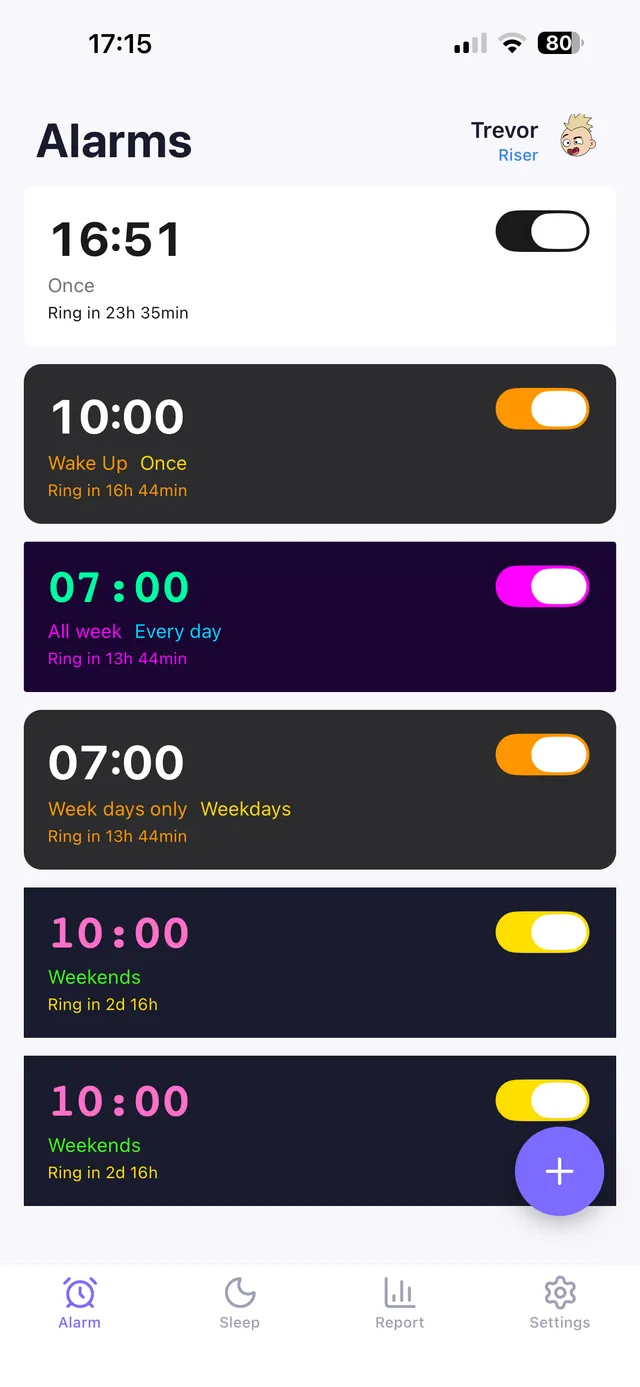
- Phone alarm at your actual wake time, with escalating volume and, if you need it, a mission task — a math problem, a photo of a specific spot, a typed phrase — that requires you to be conscious and functional to turn off. This is the accountability layer smart home routines don't provide on their own.
- Optional: trigger the next stage of your smart home routine (bathroom lights, kitchen lights) only once the alarm's mission is completed, if your platform supports chaining off an app event — otherwise, a simple time-based follow-up a few minutes later works almost as well.
This combination gets you the pleasant, gradual wake-up experience of a fully automated smart home morning without losing the guarantee that you actually got up.
iPhone-specific note
Apple's AlarmKit changes in iOS 26 made it easier for third-party alarm apps to integrate reliably with the rest of the system, including HomeKit-based routines, without the reliability gaps that used to affect non-native alarm apps on iPhone.
The bottom line
Smart home alarm integration is a genuinely nice way to make waking up feel less abrupt — lights, sound, and small conveniences like coffee starting can turn a jarring moment into a gentle sequence. But it's an ambiance layer, not an accountability one: no smart home routine on its own can confirm you're actually up. The best setups pair automated ambiance with a phone alarm that requires real engagement to turn off.
OwlRoutine fits naturally into this kind of setup as the accountability layer — a mission alarm that won't stop until you've completed a real task, so your smart lights and coffee maker aren't just running for an empty, still-sleeping room.
Frequently asked questions
Can Alexa or Google Home wake me up with lights and music?
Yes, both platforms support routines that trigger lights, speakers, smart plugs, and other connected devices around a set wake time or alarm event, configured through their respective apps.
Is a smart home routine enough to wake up a heavy sleeper?
Usually not on its own. Lights and sound provide ambiance but don't require any action from you, so heavy sleepers can sleep through even a fully automated smart home routine. Pairing it with a task-based phone alarm is more reliable.
What can I automate as part of my morning routine?
Common setups include gradually brightening lights, a speaker announcing weather or news, a smart plug starting a coffee maker, and blinds or curtains opening — all triggered by a set wake time or an alarm event.
Does smart home alarm integration work on iPhone?
Yes, and it's become more reliable since iOS 26 introduced AlarmKit, which lets third-party alarm apps integrate with the system more consistently, including alongside HomeKit-based routines.
Wake up for real. Wind down for good.
OwlRoutine is a sleep-cycle alarm that makes mornings actually stick — with a guided wind-down, dismiss missions, sleep scores and rewards. Available on iPhone and Android.