AlarmKit Explained: How iOS 26 Changed Third-Party Alarm Apps on iPhone
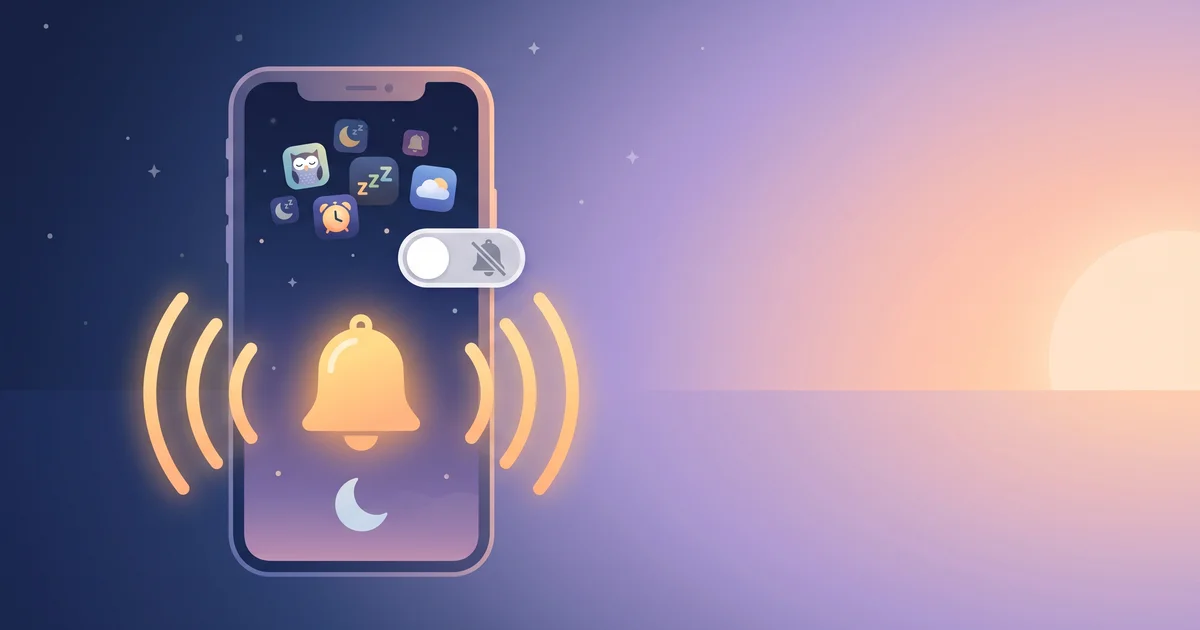
For years, iPhone owners who used a third-party alarm app lived with a quiet risk: if the phone was on silent or a Focus mode was active, the alarm might not make a sound. That's because, until recently, third-party apps couldn't create real alarms at all. AlarmKit, Apple's framework introduced with iOS 26, changed that — and it's the biggest shift in iPhone alarm apps in a decade.
The short answer
AlarmKit is an Apple framework, announced at WWDC in June 2025 and shipped with iOS 26, that lets third-party apps schedule true system alarms and timers. AlarmKit alarms can ring through Silent mode and Focus, show a full alarm interface on the Lock Screen and in the Dynamic Island, and behave much like the built-in Clock app — once you give the app permission.
How iPhone alarm apps worked before AlarmKit
Before iOS 26, only Apple's Clock app could schedule system alarms. Every other "alarm app" had to fake it using notifications:
- A scheduled notification with a (sometimes long) custom sound.
- Tricks like chaining multiple notifications, or keeping the app running with background audio.
- Apps asking users to disable Silent mode, keep the app open, or leave the phone plugged in.
The problem: notifications are exactly what Silent mode and Focus are designed to quiet. If your Sleep Focus filtered the app or the Ring/Silent switch was on silent, the alarm might only vibrate — or be silent entirely. Many "my alarm app didn't go off" complaints came down to this.
What AlarmKit lets apps do
| Capability | Before (notification alarms) | With AlarmKit (iOS 26+) |
|---|---|---|
| Ring on Silent mode | Unreliable | Yes |
| Break through Focus | Only if allowed as time-sensitive | Yes, like Clock |
| Full alarm UI on Lock Screen | Limited | Yes |
| Dynamic Island / Live Activity | No | Yes |
| Custom sounds | Yes | Yes |
| Countdown timers | Workarounds | Yes |
| User permission required | Notifications | Explicit alarm permission |
A few important details:
- You're in control. The first time an app schedules an AlarmKit alarm, iOS asks for permission. You can revoke it later in the app's settings.
- Apps can add their own actions. Developers can attach buttons — for example, opening the app to complete a task before the alarm is finished.
- It needs iOS 26 or later. On older iOS versions, apps still have to fall back to notification-based methods.
Why AlarmKit matters for heavy sleepers
For most people, the Clock app was always "good enough". But heavy sleepers and chronic snoozers often need more: alarms that require a mission, escalating sounds, or wake-up routines. Until AlarmKit, choosing one of those apps meant trading reliability for features. Now you can have both — an alarm that rings on silent and won't let you dismiss it on autopilot.
OwlRoutine helps you wind down at night and actually get up in the morning — with a guided wind-down, dismiss missions, and sleep scores. Available on iPhone and Android.


How to check if your alarm app uses AlarmKit
- Update to iOS 26 or later.
- Open the app and create an alarm. If it uses AlarmKit, iOS should show a permission prompt asking to allow the app to schedule alarms.
- Test it properly: set an alarm 3 minutes ahead, flip to Silent, turn on your Sleep Focus, lock the phone and put it face-down.
- Watch the Lock Screen. AlarmKit alarms appear with a full alarm interface, not just a notification banner.
If the app never asks for alarm permission and only rings when your phone isn't on silent, it's probably still using notifications. Check the app's release notes or support page.
What AlarmKit doesn't do
- It doesn't make you wake up. A reliable alarm is step one; actually getting out of bed is still about timing, sleep debt and friction. See how to wake up a heavy sleeper.
- It doesn't fix the basics. Check your alarm volume and settings — iPhone alarm not going off? covers ten common causes.
- It isn't on Android. Android has long allowed apps to schedule exact alarms and show full-screen alarm screens, though battery optimisation settings on some phones can interfere. If an Android alarm app is unreliable, check it's excluded from battery optimisation.
Tips for a reliable alarm setup on iPhone
- Keep the phone charging overnight.
- Allow alarm permission for your chosen app.
- Set a backup alarm (Clock or another device) for flights, exams and important meetings.
- Test after major iOS updates.
- Choose a tone you don't hate — a melodic alarm may reduce grogginess.
The bottom line
AlarmKit turned third-party iPhone alarm apps from "loud notifications that might be muted" into real alarms that ring through Silent mode and Focus. If you rely on a specialised alarm app, make sure you're on iOS 26+, grant alarm permission, and test it on silent.
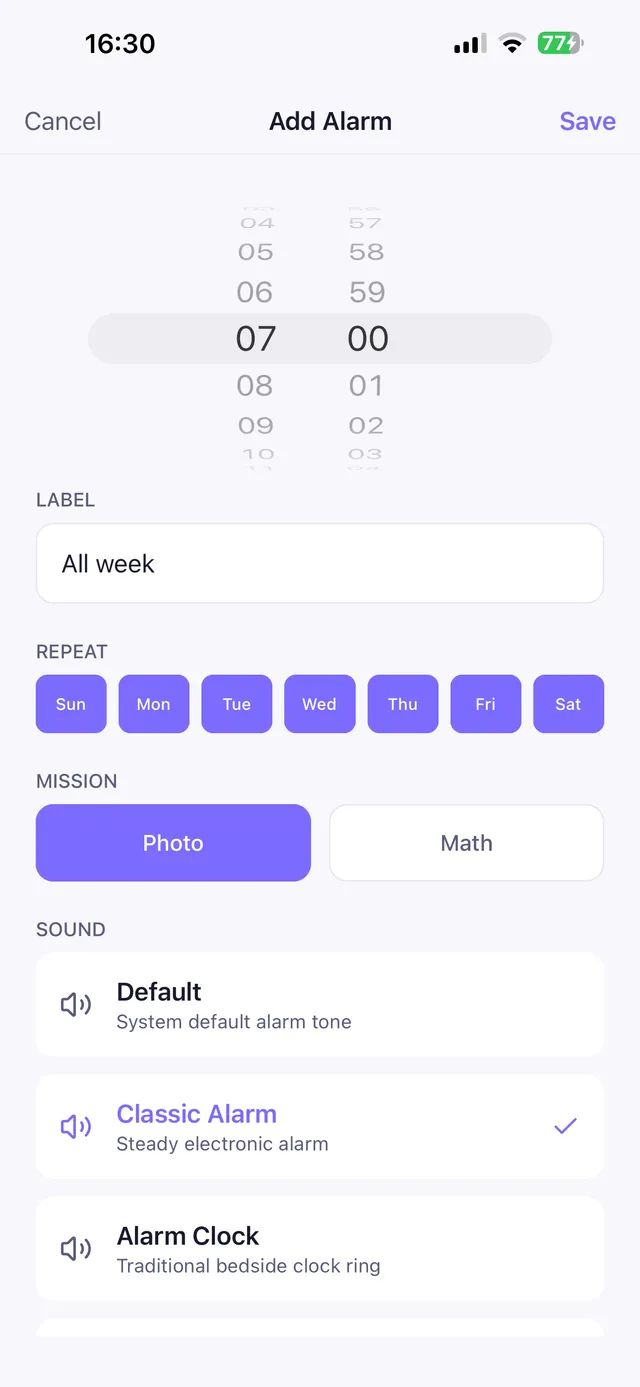
OwlRoutine uses AlarmKit on iOS 26 and later, so its mission alarms ring through Silent mode just like the Clock app. On older iOS versions it uses a chain of escalating time-sensitive notifications, and on Android it uses a foreground service with a full-screen alarm. The alarm then won't stop until you've solved the mission you chose.
Frequently asked questions
What is AlarmKit?
AlarmKit is an Apple framework introduced with iOS 26 that lets third-party apps schedule real system alarms and timers, with the same ability as the Clock app to ring through Silent mode and Focus.
Do third-party alarm apps work on silent in iOS 26?
Apps that use AlarmKit can ring on silent and through Focus once you grant alarm permission. Apps that still use notifications may be muted.
How do I know if an app uses AlarmKit?
On iOS 26 or later, the app should ask for permission to schedule alarms, and its alarms appear with a full alarm interface on the Lock Screen. Test it with Silent mode and Focus on.
Does AlarmKit work on older iPhones?
AlarmKit requires iOS 26 or later. On older versions, alarm apps have to rely on notifications, which Silent mode and Focus can mute.
Wake up for real. Wind down for good.
OwlRoutine is a sleep-cycle alarm that makes mornings actually stick — with a guided wind-down, dismiss missions, sleep scores and rewards. Available on iPhone and Android.