Using Your Phone Before Bed: What It Really Does to Your Sleep (and a Realistic Fix)
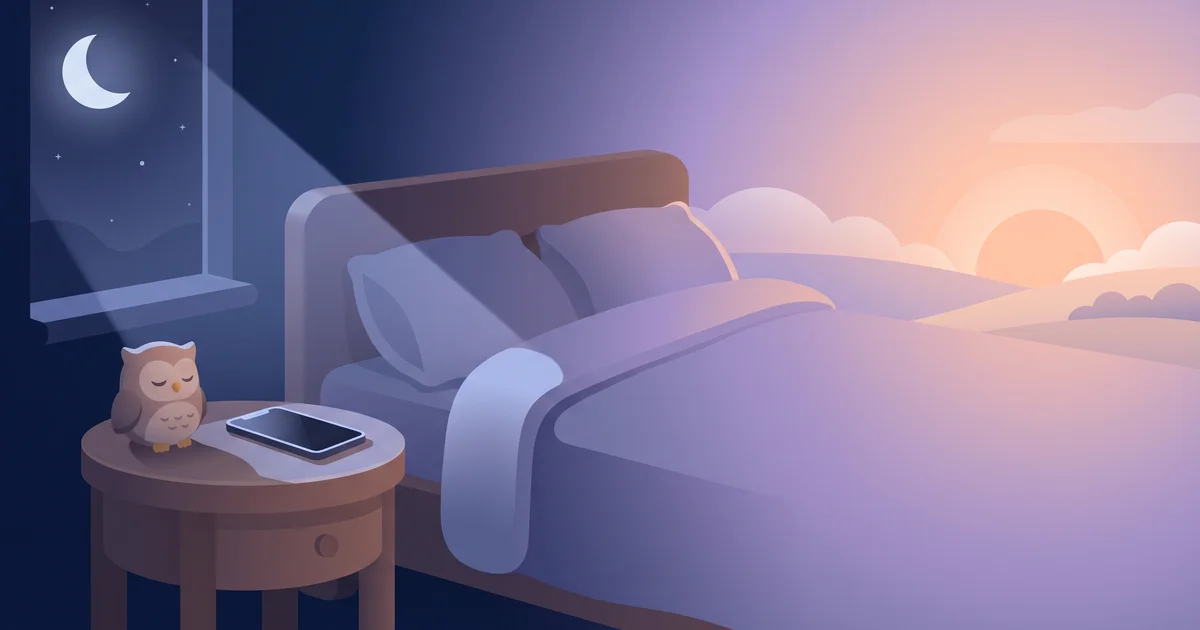
Most of us end the day the same way: in bed, lights off, face lit by a phone. You've probably heard that using your phone before bed is bad because of blue light. That's partly true — but it's not the whole story, and it's not even the biggest part. Understanding what actually happens makes it much easier to change the habit without feeling deprived.
The short answer
Using your phone before bed can delay sleep in three ways: bright light (including blue light) can suppress melatonin and shift your body clock later; engaging content keeps your brain alert; and endless feeds push bedtime later than you intended. For most people, the last two matter more than the light. The fix is a set phone-down time, with the phone charging away from the bed.
What your phone does to sleep
| Effect | How strong | What helps |
|---|---|---|
| Light delays melatonin | Real, varies with brightness and duration | Lower brightness, night mode, less time |
| Content keeps you alert | Often the biggest effect | Stop engaging/stressful content earlier |
| Bedtime gets pushed later | Very common | Set a phone-down time |
| Notifications wake you up | Common | Focus / Do Not Disturb |
| Phone checks during the night | Common | Phone out of reach |
Light: real, but often overstated
Your circadian clock is sensitive to light, especially short-wavelength (blue) light. Bright light in the evening can suppress melatonin and nudge your body clock later. However, a phone held at normal brightness produces far less light than overhead room lighting, and studies vary in how large the effect is in real life. Night mode and lower brightness help a bit — they don't make an hour of scrolling harmless.
Content: the underrated problem
Messages from your boss, a heated comment thread, a thriller series or a competitive game all raise arousal: your heart rate, alertness and stress go up exactly when they should be coming down. Even "relaxing" scrolling tends to be varied and novel, which keeps the brain switched on.
Time: the bedtime that keeps moving
Feeds and autoplay remove natural stopping points. "Five minutes" becomes forty-five, and your intended 23:00 bedtime becomes 00:15. This is how phones drive revenge bedtime procrastination — the late-night scroll that feels like free time but steals tomorrow's energy.
Does night mode or blue-light filtering fix it?
It helps with the light part only. If you're still watching videos or scrolling social media in bed, the content and time effects remain. Think of night mode as a small bonus, not a solution.
OwlRoutine helps you wind down at night and actually get up in the morning — with a guided wind-down, dismiss missions, and sleep scores. Available on iPhone and Android.


A realistic phone-down routine
Going from "phone in bed until I pass out" to "no screens for an hour" overnight rarely lasts. Build it gradually:
- Pick a phone-down time. Start with 30 minutes before your bedtime. Move to 60 minutes after a week or two. The 10-3-2-1-0 rule suggests one hour as a target.
- Charge the phone away from the bed. Across the room or outside the bedroom. Distance is more reliable than willpower.
- Put it face-down. Out of sight really is more out of mind — and no glowing notifications.
- Turn on a Sleep Focus. Let calls from favourites through; silence everything else.
- Replace, don't just remove. Have something else ready: a paper book, stretching, journaling, a shower, a podcast on a sleep timer. A simple wind-down routine makes the gap feel like a treat.
- Use a separate alarm, or one you can trust from across the room. If your phone is your alarm, make sure it rings reliably on silent — see iPhone alarm not going off.
What about reading on a phone or tablet?
E-readers with no backlight or a warm front light are a better choice than phones. If you read on a phone, turn brightness down, use night mode and avoid switching apps. The problem is rarely the book; it's the notification that pops up halfway through the chapter.
What if I use my phone to fall asleep?
Many people use podcasts, audiobooks, white noise or meditation apps to fall asleep. That's fine — the issue is the screen, not the audio. Start the audio, set a sleep timer, turn the phone face-down and put it out of reach.
Signs your phone is hurting your sleep
- You regularly go to bed later than you planned because you were on your phone.
- You check your phone if you wake in the night.
- You feel wired or anxious after scrolling in bed.
- You sleep through or dismiss your alarm on autopilot after late-night phone sessions.
The bottom line
Using your phone before bed isn't just about blue light. The bigger problems are content that keeps your brain switched on and endless scrolling that pushes bedtime later. Set a phone-down time, charge it away from the bed, and replace it with something you enjoy.
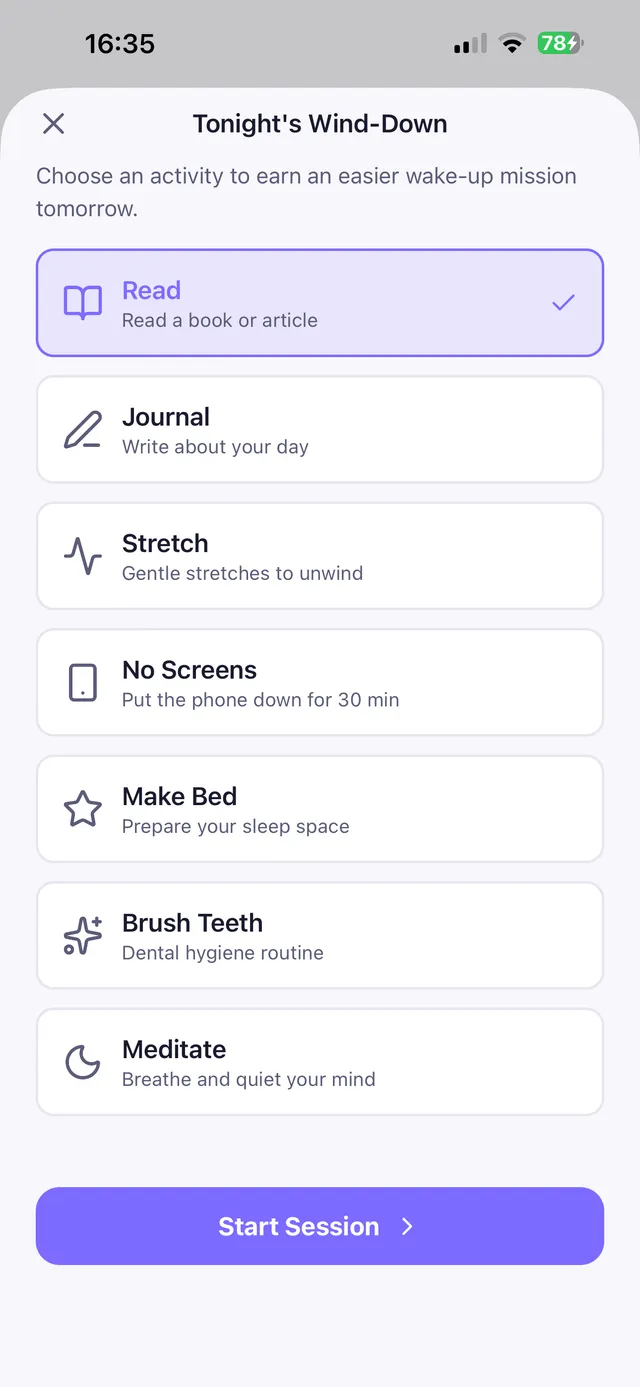
OwlRoutine was built for exactly this moment. During the guided wind-down session, the app uses the phone's motion sensor to check that it stays face-down, grading the night as completed, partial or failed. A completed wind-down earns an easier mission on the next morning's alarm — so putting the phone down pays off the next day.
This article is general information, not medical advice.
Frequently asked questions
Is using your phone before bed bad for sleep?
It can be. Bright screen light can delay melatonin, engaging content keeps your brain alert, and endless feeds push bedtime later. The content and time effects are often bigger than the light.
How long before bed should I stop using my phone?
About an hour is a good target. If that's hard, start with 30 minutes and build up.
Does night mode stop phones affecting sleep?
Night mode reduces blue light, but it doesn't fix stimulating content or late scrolling, which are often bigger problems.
Is it okay to listen to podcasts on my phone to fall asleep?
Yes. Audio is fine; just set a sleep timer, turn the phone face-down and keep it out of reach so you don't start scrolling.
Wake up for real. Wind down for good.
OwlRoutine is a sleep-cycle alarm that makes mornings actually stick — with a guided wind-down, dismiss missions, sleep scores and rewards. Available on iPhone and Android.