How to Set Multiple Alarms (and When It Backfires)
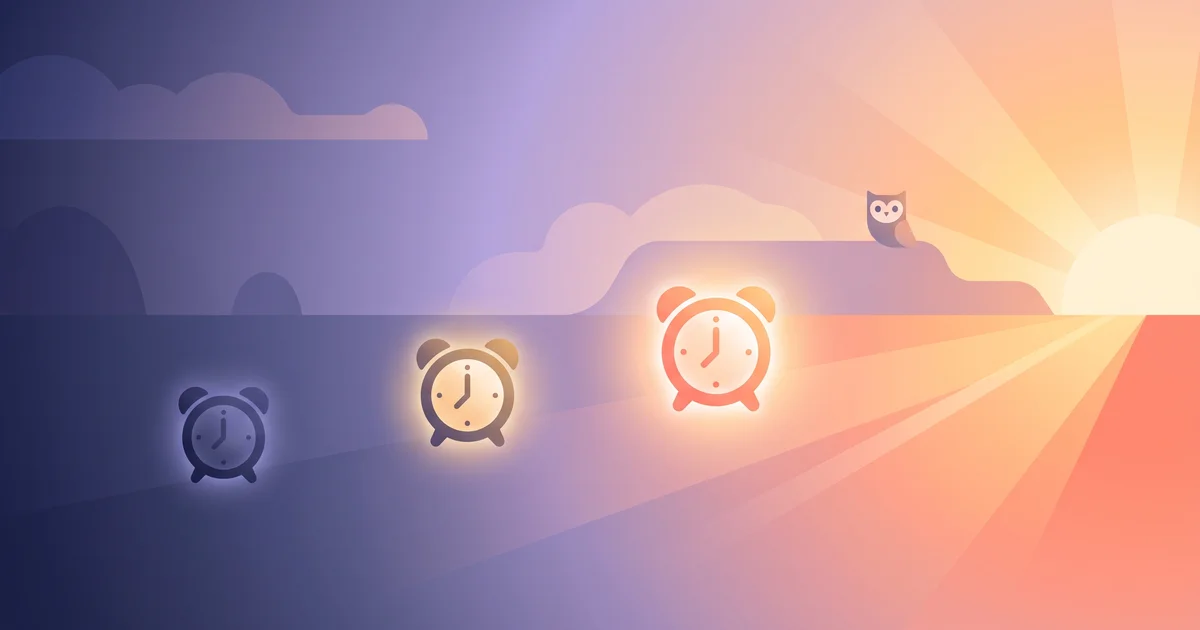
Setting five alarms two minutes apart is one of the most common workarounds for not trusting yourself to wake up. It's understandable — and for some people it genuinely works. For others, it quietly trains the brain to ignore alarms altogether. Here's how to set multiple alarms properly, and how to tell if it's helping or hurting.
The short answer
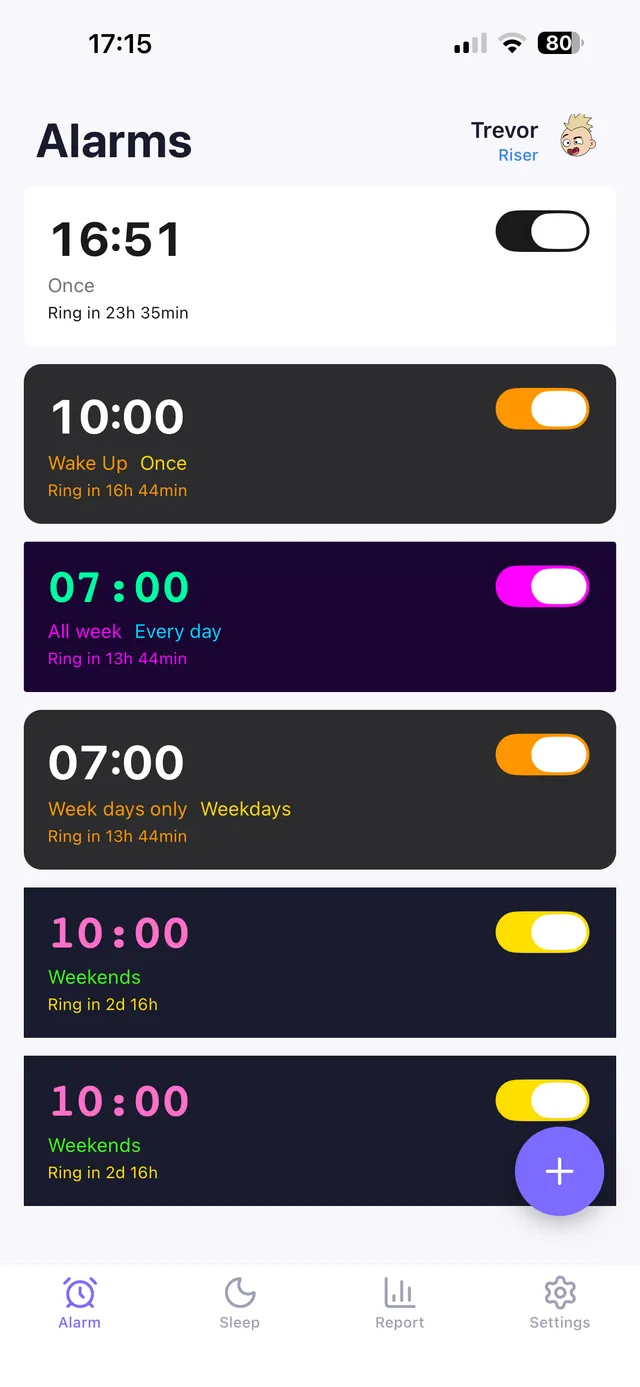
To set multiple alarms: on iPhone, open the Clock app, tap Alarm, then + as many times as you need different times; on Android, open your Clock/Alarm app and repeat the same Add alarm step. Stagger them by 5-10 minutes rather than 1-2, use different sounds so they're not identical and easy to tune out, and label each one so you know which is the "real" one. If you're stacking alarms because you keep sleeping through or snoozing them, the underlying fix is usually a different kind of alarm, not more of the same one.
How to actually set them
iPhone
- Open Clock → Alarm tab.
- Tap + for each alarm you want.
- Set a distinct time, sound, and label for each ("Backup 1," "Get up NOW," etc.).
- Repeat as needed — iOS supports dozens of separate alarms.
Android
Steps vary slightly by manufacturer, but generally:
- Open the Clock app → Alarm tab.
- Tap + Add alarm for each one.
- Set time, sound, vibration, and label.
- Watch for battery optimization settings that can delay or silence alarms — see android alarm not going off if alarms have failed before.
In a dedicated alarm app
Apps like OwlRoutine let you set multiple alarms with different wake mechanisms attached — for example, a gentle first alarm and a mission-based final alarm that won't turn off until you've solved a task. This is different from five identical beeps in a row, because each alarm can escalate in what it demands of you.
Why people stack alarms
- Distrust of snoozing themselves back to sleep. A reasonable instinct — see how to stop hitting snooze.
- History of sleeping through single alarms. Often tied to deep sleep timing or genuinely being a heavy sleeper.
- Important mornings — flights, exams, early shifts — where the cost of oversleeping is high.
- Habit from childhood or past jobs, carried forward even when it's no longer necessary.
OwlRoutine helps you wind down at night and actually get up in the morning — with a guided wind-down, dismiss missions, and sleep scores. Available on iPhone and Android.


When it works
Staggered alarms work reasonably well when:
- They're spaced 5-10+ minutes apart, giving your body a real chance to move toward wakefulness between them.
- The final alarm is meaningfully different (louder, different tone, different location in the room) so it doesn't blend into the pattern.
- You genuinely get out of bed at one of them, rather than turning off all five in a row while staying horizontal.
When it backfires
This is the more common failure mode, and it's worth being honest about:
- Alarm fatigue. Hearing five alarms trains your brain that an alarm is a thing to dismiss, not a thing to act on. Over weeks, this can make you slower to respond to any alarm, including a single one.
- The snooze spiral. Five alarms two minutes apart isn't really five chances to wake up — it's one long snooze session with sound breaks. See why you wake up tired after 8 hours for why fragmented waking hurts more than it helps.
- Sleeping through all of them anyway. If you're a genuinely heavy sleeper, more identical alarms doesn't solve the core issue — you need a different type of trigger, not more repetitions of the same one.
- Partner or roommate disruption. Five alarms is five times the disturbance for anyone sharing your space.
A better structure than "five alarms in a row"
If you're relying on multiple alarms because one doesn't work, consider restructuring instead of stacking:
- One early, quiet alarm (or a gradual light) 15-20 minutes before you need to be up, as a heads-up.
- One main alarm with a real task attached — a math problem, a photo of a specific spot, typing a phrase — so it can't be dismissed half-asleep. See math alarm app.
- Skip the identical backups. If the mission alarm actually requires you to be awake and functional to turn off, you don't need four more copies of it.
This tends to solve the problem multiple alarms were trying to patch over, with less noise and less alarm fatigue.
The bottom line
Multiple alarms are a reasonable backup strategy when they're spaced out and genuinely different from each other, but stacking identical alarms close together often just extends your snooze window instead of guaranteeing you get up. If you find yourself needing five alarms to trust that you'll wake up, that's a signal to swap in a different kind of trigger — one that requires action — rather than adding a sixth.
OwlRoutine lets you combine a gentle early alarm with a mission-based final one that won't stop until you've completed a real task, so you get the reassurance of a backup system without training yourself to sleep through alarms altogether.
Frequently asked questions
How many alarms should I set?
There's no fixed number, but 2-3 well-spaced alarms (5-10 minutes apart, with distinct sounds) tend to work better than 5+ identical alarms stacked a minute or two apart.
Is setting multiple alarms bad for you?
It's not harmful, but stacking many nearly-identical alarms close together can cause alarm fatigue, where your brain learns to dismiss alarms automatically rather than respond to them.
Why do I still sleep through multiple alarms?
If you sleep through several alarms in a row, the issue usually isn't quantity — it's that the alarm type doesn't require enough engagement to wake you. A task-based mission alarm tends to work better than more copies of a sound alarm.
Can I set alarms with different wake tasks attached?
Yes, in apps like OwlRoutine you can set a gentle early alarm and a separate mission alarm requiring a math problem, photo, or typed phrase, rather than relying on identical repeated alarms.
Wake up for real. Wind down for good.
OwlRoutine is a sleep-cycle alarm that makes mornings actually stick — with a guided wind-down, dismiss missions, sleep scores and rewards. Available on iPhone and Android.