Sleep Cycle Apps: How They Work and What to Actually Look For
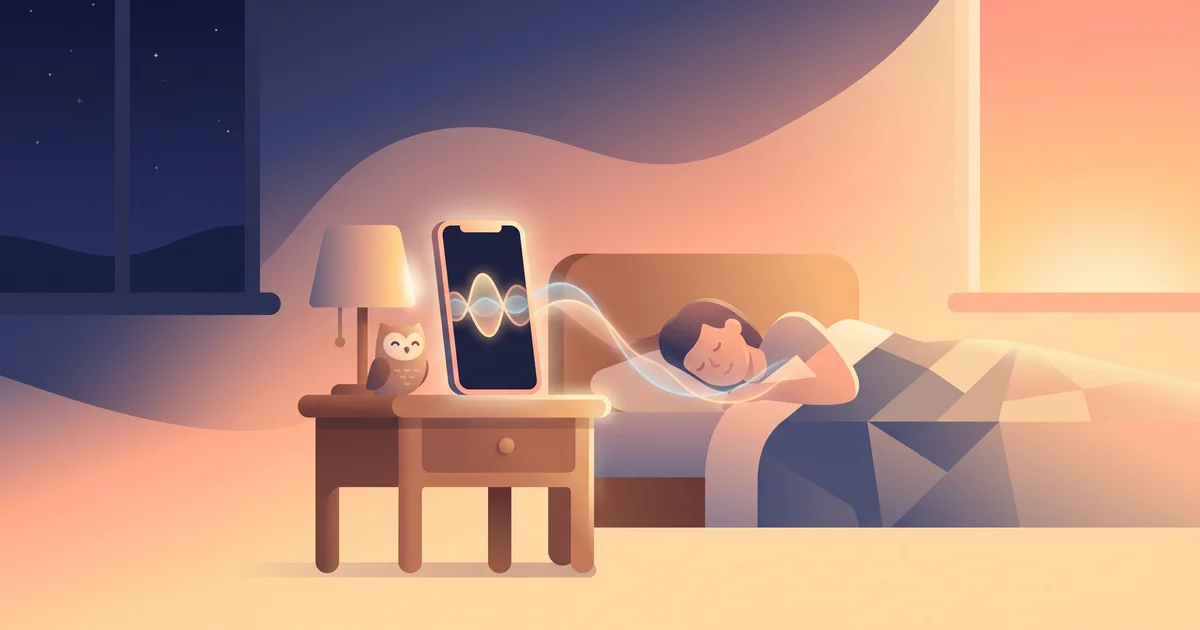
The pitch is appealing: an app that watches your sleep and wakes you at exactly the "right" moment, so you never again get yanked out of deep sleep feeling like a truck hit you. Sleep cycle apps are built around that idea. But how do they actually detect what stage of sleep you're in, using nothing but a phone on your nightstand — and is any of it reliable enough to trust your alarm to?
The short answer
A sleep cycle app tries to estimate which sleep stage you're in — usually by tracking phone motion, sound, or (with a wearable) heart rate — and wakes you during a lighter stage within a chosen window, instead of at a fixed exact time. It can make waking up feel gentler, but phone-only versions are approximations, not clinical-grade measurements, and accuracy varies a lot between apps. Look for a reasonable wake window, transparent methodology, and — if you struggle to actually get out of bed — a way to force you to complete a task, not just play a soft sound.
How sleep cycle apps actually detect sleep stages
There's no single method; it depends on what hardware the app uses.
| Method | How it works | Accuracy |
|---|---|---|
| Phone motion (accelerometer) | Phone on the mattress picks up your movement; more movement = lighter sleep | Rough — easily thrown off by a partner moving, pets, or phone placement |
| Phone microphone | Listens for breathing changes, snoring, movement sounds | Rough, and picks up ambient noise |
| Wearable heart rate/HRV | A ring or watch tracks heart rate variability, which correlates with sleep stages | Better, but still not clinical polysomnography |
| Wearable + motion combined | Most modern trackers combine several signals with an algorithm | Best of the consumer options, still imperfect |
None of these methods are the gold standard used in sleep labs (EEG-based polysomnography, which reads brain waves directly). Independent validation studies have generally found consumer sleep trackers are reasonably good at telling asleep vs. awake, but noticeably less accurate at telling which stage of sleep you're in. For the biology of what those stages actually are and why they matter, see sleep cycles explained — this article is about the tools, not the underlying science.
Why waking in light sleep feels better
Sleep moves in roughly 90-minute cycles between light sleep, deep sleep, and REM. Getting woken during deep sleep tends to produce sleep inertia — that heavy, disoriented grogginess that can linger for 20–30 minutes or more. Being woken during light sleep tends to feel easier, because your body and brain are already closer to an alert state. A smart alarm's whole premise is to catch you in that lighter window instead of jolting you awake mid–deep sleep.
What a wake window actually does
Instead of a single fixed alarm time, most sleep cycle apps let you set a wake window — say, 6:00–6:30am — and the app picks a moment inside that window when it detects lighter sleep, then triggers the alarm early. A few things to know:
- The window has to be honest with itself. A 30-minute window means you could be woken up to 30 minutes before your "real" alarm time — fine for a flexible morning, risky if you have somewhere to be at a fixed time.
- A wider window gives the algorithm more room to find light sleep, but also more room to wake you earlier than you'd like.
- If no clear light-sleep signal appears, most apps just wake you at the end of the window anyway.
What to actually look for in a sleep cycle app
- A clear, adjustable wake window — not a black box you can't control.
- Transparency about method — does it use phone motion only, or does it support a wearable for better signal?
- Battery and placement guidance — motion-based tracking usually wants the phone on the mattress, which has real tradeoffs (charging, other notifications, privacy of always-on audio).
- What happens if the algorithm gets it wrong. A gentle wake-up is nice in theory, but if you're a heavy sleeper, a soft chime timed to "light sleep" can still fail to wake you at all.
- A backup plan for people who need more than a gentle sound. This is the biggest gap in most sleep-cycle apps: they're optimized for how you wake up, not whether you actually get up.
OwlRoutine helps you wind down at night and actually get up in the morning — with a guided wind-down, dismiss missions, and sleep scores. Available on iPhone and Android.


The real limitation: gentle isn't the same as effective
Here's the tension most sleep cycle apps don't solve: a softer, better-timed alarm is genuinely more pleasant to wake up to — but pleasant and effective can pull in opposite directions for heavy sleepers or serial snoozers. If your problem is sleeping through alarms or hitting snooze on autopilot, a gentle sound timed to light sleep can make that worse, not better, because it's easier to sleep through or dismiss half-asleep.
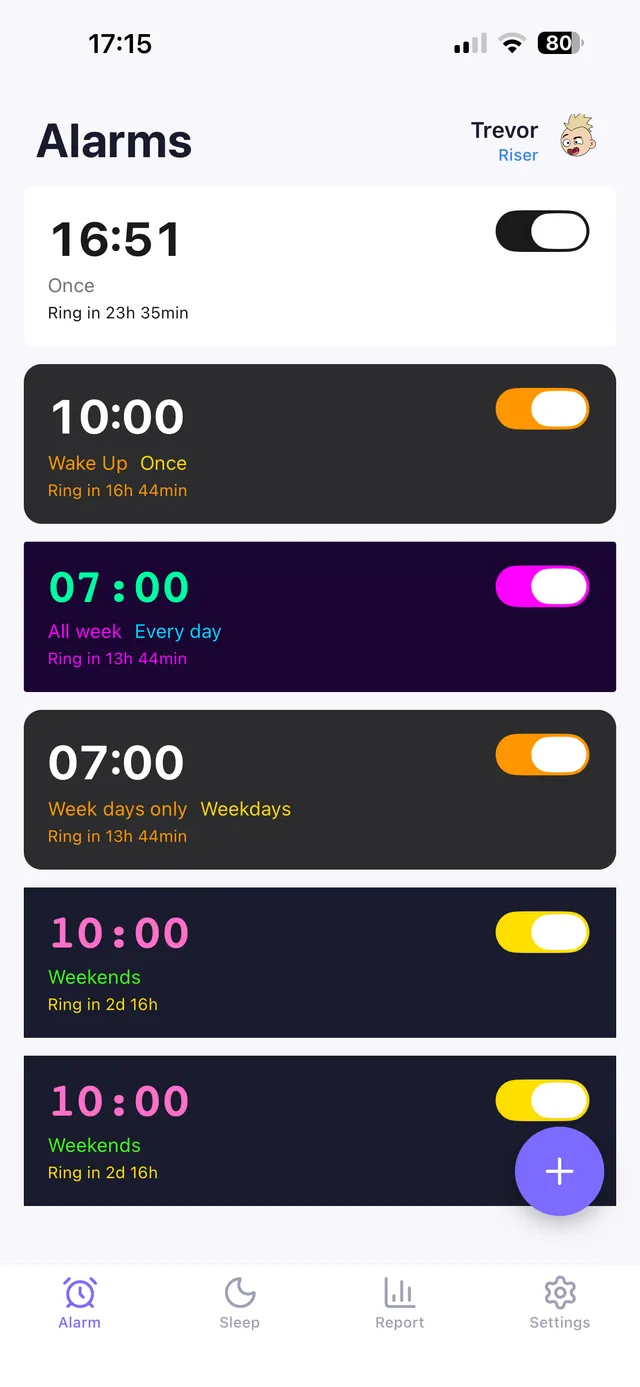
This is why OwlRoutine treats "when you wake up" and "whether you actually get up" as two separate problems. You can pair a thoughtful wake time (using a bedtime calculator to work backward from full 90-minute cycles) with a mission alarm that won't stop until you solve a math problem, take a photo of a specific spot in your home, or complete another task — so a gentle wake-up doesn't quietly turn into an accidental hour of extra sleep.
Sleep cycle apps aren't a substitute for the fundamentals
No amount of clever wake-timing fixes a sleep debt, an inconsistent bedtime, or a bedroom that's too bright and warm. These apps are a refinement on top of decent sleep habits, not a replacement for them. If you're consistently exhausted regardless of when the app wakes you, the app isn't the problem.
The bottom line
Sleep cycle apps estimate your sleep stage using motion, sound, or a wearable's heart-rate data, then try to wake you during a lighter stage within a set window to reduce grogginess. Phone-only tracking is a rough approximation — useful for timing, not for a medical-grade sleep report. Choose an app with a transparent, adjustable wake window, and if you're prone to sleeping through or snoozing past your alarm, pair gentle wake-timing with something that actually forces you out of bed.
OwlRoutine combines both ideas: work backward to a bedtime that respects full sleep cycles, then rely on a mission alarm — not just a softer sound — to make sure "waking up gently" doesn't turn into "not waking up at all."
This article is general information, not medical advice.
Frequently asked questions
How do sleep cycle apps detect sleep stages?
Most use phone motion or microphone data, and some pair with a wearable that tracks heart rate variability. None match the accuracy of clinical EEG-based sleep studies, but they're reasonably good at detecting whether you're asleep or awake.
What is a wake window in a sleep cycle app?
A wake window is a time range (e.g. 6:00–6:30am) during which the app looks for a lighter sleep stage to trigger your alarm early, aiming to reduce grogginess compared to a fixed wake-up time.
Are sleep cycle apps accurate?
They're reasonably reliable at distinguishing sleep from wakefulness but less accurate at identifying specific sleep stages compared to lab-grade equipment. Accuracy also varies significantly between apps and methods.
Do sleep cycle apps work for heavy sleepers?
A gentle, well-timed wake-up can actually be easier to sleep through for heavy sleepers. Pairing sleep-cycle timing with a task-based alarm that requires you to actively respond tends to work better for this group.
Wake up for real. Wind down for good.
OwlRoutine is a sleep-cycle alarm that makes mornings actually stick — with a guided wind-down, dismiss missions, sleep scores and rewards. Available on iPhone and Android.